



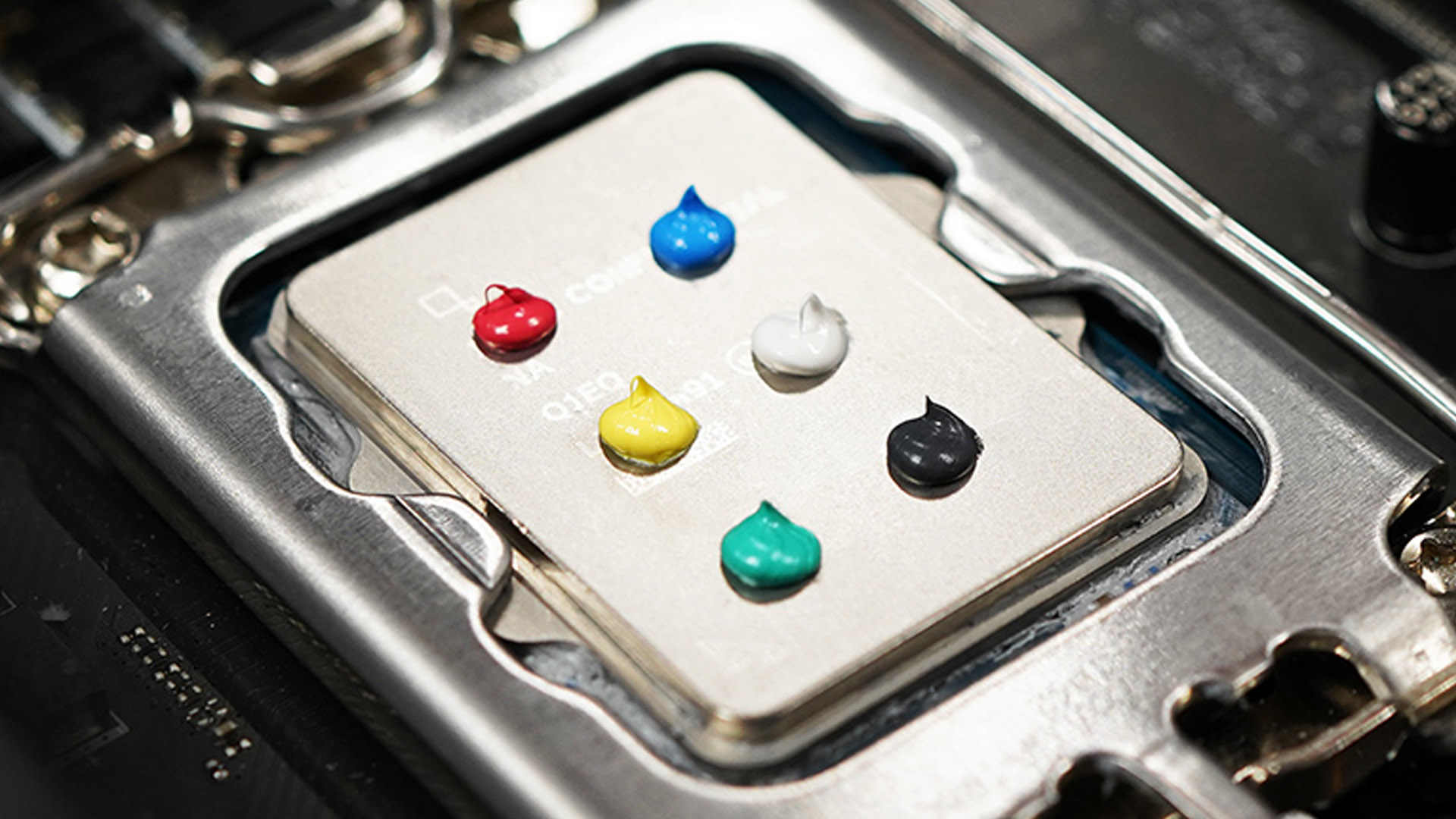

Image: Cooler Master
Thermal paste (otherwise known as thermal grease) is mentioned a lot more than you might think in gamer forums and by PC builders, which is surprising considering it’s just a small addition to any rig.
But the fact is thermal paste does keep CPU and GPU temperatures down and aids performance when it’s applied properly, so getting it right is certainly worth doing.
Here we look at how thermal pastes can differ, what to look out for, and how best to apply them.
Why thermal paste matters
If you’re going to be building a gaming PC or overclocking it, you’re going to want thermal paste on your CPU and / or your GPU. These pastes, which are made up of different compounds, are designed to fill in the space between the processors and their heatsinks and siphon heat away to the heatsinks to keep them cool.
When the chips are cooler, they perform better and more consistently — which is what every gamer wants for optimal gaming performance.
Most manufacturers apply a stock thermal paste to the CPUs of pre-built PCs to keep them running smoothly, but there are tons of gamers that swear they get better results when they take matters into their own hands and apply thermal paste themselves.
There’s no question that applying thermal paste works. Case studies show thermal paste to be extremely effective in keeping CPU temperatures in check. In this article by Koolingmonster.com, for example, the authors show how an Acer Nitro 5’s CPU temperature drops by a staggering 43 degrees Celsius (109 degrees Fahrenheit) when the old thermal paste is replaced with newer thermal paste.
What to look out for in a thermal paste
Just like hardware components, thermal pastes are mostly all different. They vary in composition, cooling effectiveness, and price.
For choosing the most effective cooling option, it pays to read reviews or watch comparisons like this one from JayzTwoCents. In this video, the host compares five different brands and finds one — Kingpin KPx thermal paste — to be cooler by several degrees Celsius than the warmest brand tested. Most of the options, however, fall in a middle range for cooling, which suggests you can expect a similar effectiveness for most brands you can buy.
What’s arguably more important than a paste’s cooling effectiveness is how it’s applied. Ideally you want to get full coverage of your integrated heat spreader (IHS), or the metal exterior lid of a CPU or GPU’s processor.
You want full coverage because insufficient coverage will lead to hot spots in the cores, which in turn will lead to throttling and fluctuating PC performance.
The technique you use to apply the paste will affect that coverage. For example, you want to avoid applying small dollops and instead cover the entire surface of the IHS as if you’re icing a cake. A paste’s viscosity determines how easy or hard it is to apply and stay put on the IHS – which is why it’s so important to choose the right paste.
Thick, thin, or just right?
On that last point, an ideal thermal paste has a medium viscosity, being neither too thick nor too thin. If it’s too thick or requires warming up with a heat gun to remove from its tube it can be laborious to apply.
Overly thick paste will also take longer to phase change to the kind of viscosity that’s needed to get a proper conductivity between your cooler and your processor when it heats up in your PC.
On the other hand, you don’t want a paste that’s too thin and runny that’s going to squish out the sides and make a moat around your processor.

Thermal paste typically comes in an applicator you can squirt onto your PC’s processor.
The reason for that is that the layer of paste on your IHS is going be too thin from the get-go, or thin out over time and provide insufficient heat conductivity. A clue to this is if you experience poor CPU temperatures straight after you apply the thermal paste, or you notice CPU temperatures gradually rising in the months after application.
Runny thermal pastes can also be messy to apply and clean up. If you don’t find yourself drawing unwanted paste lines over your motherboard by accident, you’ll almost definitely find yourself having to suck up the excess paste back into the applicator if the paste is too watery.
What else to look out for in thermal paste
You also don’t want a paste that’s going to crack or dry out easily, which will mean you’re going to have to change it more often than you’d otherwise need to. When you do change your thermal paste for fresh paste, you also want one that’s easy to clean — it should come off with a simple application of cleaning alcohol.
Again, you can’t expect to know if a thermal paste has these properties before you buy it, which is why reading or watching comparisons beforehand is so important.
Lastly, it’s worth noting that thermal pastes vary a lot in price. To evaluate the best value paste it’s best to calculate the cost-per-gram in the applicators of different brands. As a guide, the most expensive pastes go for about $9 a gram, but you shouldn’t have to pay more than $6 to $7 per gram for a paste that works well.
Author: Dominic Bayley, Australian Editor, PCWorld
Based in Australia, Dominic Bayley is a hardcore tech enthusiast. His PCWorld focus is on PC gaming hardware: laptops, mice, headsets and keyboards.


